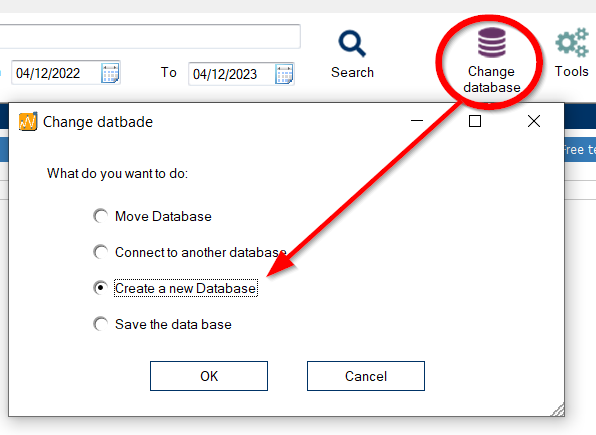
When you install Thermotrack PC, an empty database called “Thermobouton” is created in the C:\ProgramDataProges-Plus\Thermotrack\Vx directory (x is the number of the version you have installed – example: 9).
How do I use an old database?
If you want to use a database created with an older version of Thermotrack PC, you have two possible solutions
Move old database
For example, if you had version 8 and have just installed version 9 :
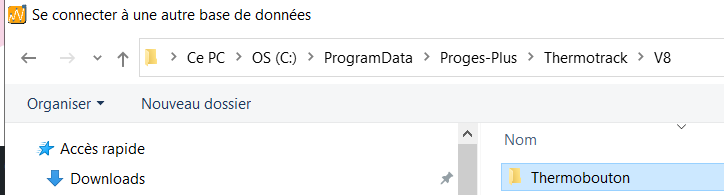
- Copy the “Thermobouton” folder located in C:\ProgramData\Proges-Plus\Thermotrack\V8
- Paste it into C:\ProgramData\Proges-Plus\Thermotrack\V9
Modify data location in Thermotrack PC
In this case, you continue to use the old database:
- Use the “Change Database” icon
- Select “Connect to another database”.
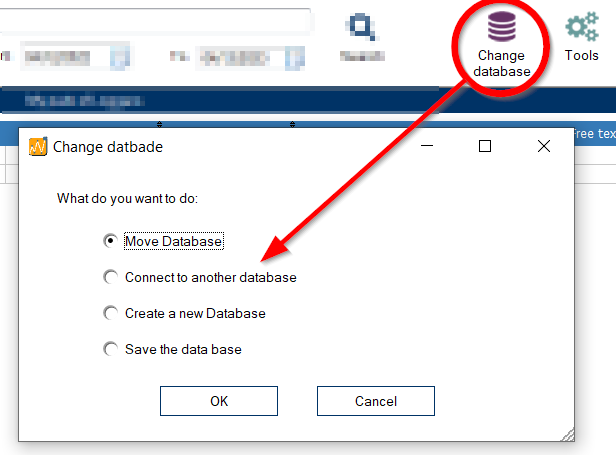
- Select old version database
How to create a new database
From the “Change database” menu, you can also create a new, blank database.
- Create an empty folder in the desired location.
- Then use the “create a new database” option