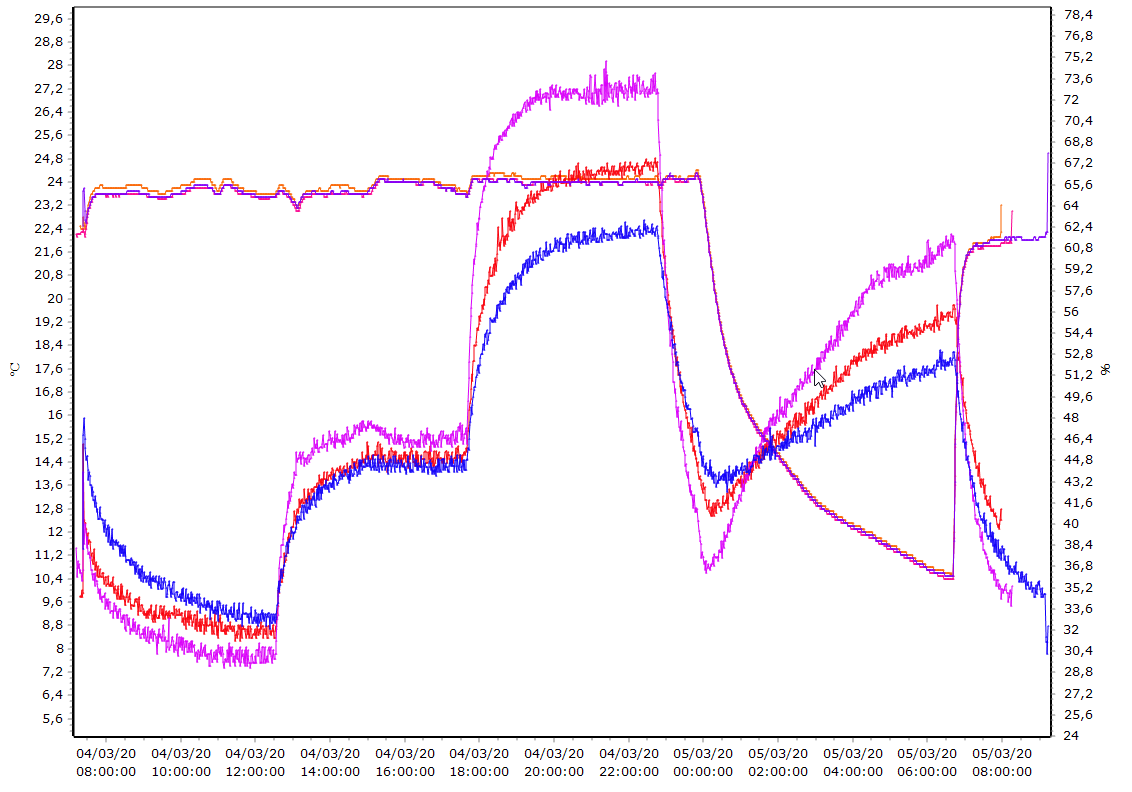
To superimpose several missions on the same graph, use menu ” Visualization” then “Superimposition».
- Choose a first record in the list of your archives.
- Drag and drop the archives you want to superimpose in the «List of archives to superimpose”.
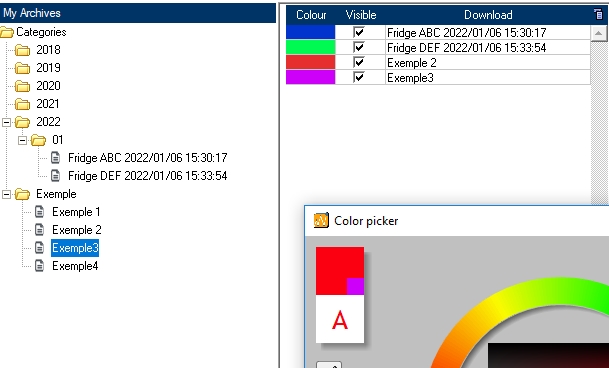
Do the same for the other archives.
The result of the superposition is displayed directly in the graph.